
Done55 Login is quick and simple. Enter your details below to access your account and pick up right where you left off. All your tasks, projects, and progress are saved and ready for you.
How to Log In to Done55?
Logging in takes just a few seconds. Here is how to do it:
- Enter your email address in the box below
- Type your password
- Click the Login button
- You are in, your dashboard will load instantly
If you use Done55 on multiple devices, simply log in with the same email and password on any device. Everything will sync automatically.
Forgot Your Password?
No problem. It happens to everyone. Just follow these simple steps to reset your password:
- Click the Forgot Password link below the login form
- Enter the email address you used to sign up
- Check your inbox for a password reset email from Done55
- Click the link in the email and create a new password
- Log in with your new password and you are back in
If you do not see the email in your inbox, check your spam or junk folder. The email usually arrives within one to two minutes.
Log In With Google or Apple
Don’t want to type your email and password every time? Done55 login makes it even easier. You can log in instantly using your existing Google or Apple account.
Just click the Continue with Google or Continue with Apple button on the login page. Done55 Login will connect to your account securely and log you in within seconds. No password needed.
This is the fastest and easiest way to log in to Done55 every day.
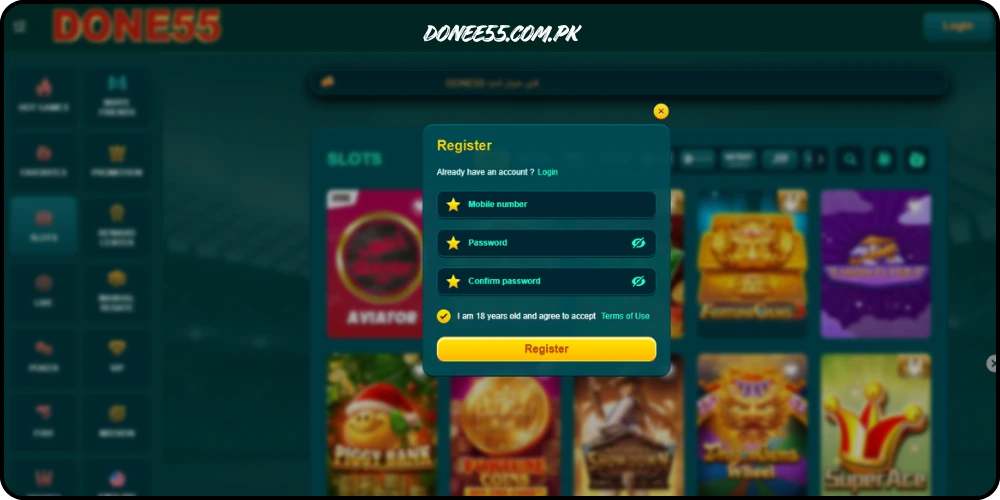
Why You Need a Done55 Login Account?
Your Done55 account is what keeps all your data safe and in sync. When you are logged in, Done55 login automatically saves all your tasks, deadlines, notes, and progress to the cloud. This means:
- Your tasks are always safe. Even if you lose your phone or change your device, all your data is stored securely in your account. Just log in on a new device and everything is right there.
- Everything stays in sync. Log in on your phone, laptop, or tablet and see the exact same tasks and progress on every device. Changes you make on one device show up instantly on all others.
- Your progress is tracked. Done55 Login tracks your productivity over time. Every time you log in and complete tasks, your progress is recorded so you can see how much you are getting done each week.
- Your data is private and secure. Done55 login uses strong encryption to protect your account. Your personal information and task data are never shared with anyone.
Don’t Have an Account Yet?
If you are new to Done55 Login, you are just a few clicks away from getting started. Creating an account is completely free and takes less than one minute.
- Click the Sign Up button below the login form
- Enter your name and email address
- Create a password
- Click Create Account
- Start adding your tasks and get productive right away
You can also sign up instantly using your Google or Apple account — no form filling needed.
Having Trouble Logging In?
If you are having trouble getting into your account, here are a few things to check:
- Check your email address. Make sure you are using the same email you signed up with. Sometimes people have more than one email and use the wrong one by mistake.
- Check your password. Passwords are case sensitive, so make sure your caps lock is not on. If you are not sure of your password, use the Forgot Password link to reset it.
- Check your internet connection. Done55 login needs an active internet connection to log in. Make sure your Wi-Fi or mobile data is working properly.
- Still stuck? Our support team is ready to help. Click the Help link at the bottom of the page or email us directly. We usually respond within a few hours.
Log In and Get Back to Work
Your gaming bonuses are waiting and your day is not going to plan itself. Log in to Done55 now and take control of everything you need to get done today.